Stock mismatch between sales and inventory
Teams sell what the store cannot fulfill or discover shortages too late.
Vendro links billing, stock lookup, stock movement, and reports so availability is visible before and after posting.Vendro Connect helps business teams control invoices, stock, customers, kitchen/KOT, production, payments, reports, approvals, and multi-branch work without scattered spreadsheets or disconnected screens.
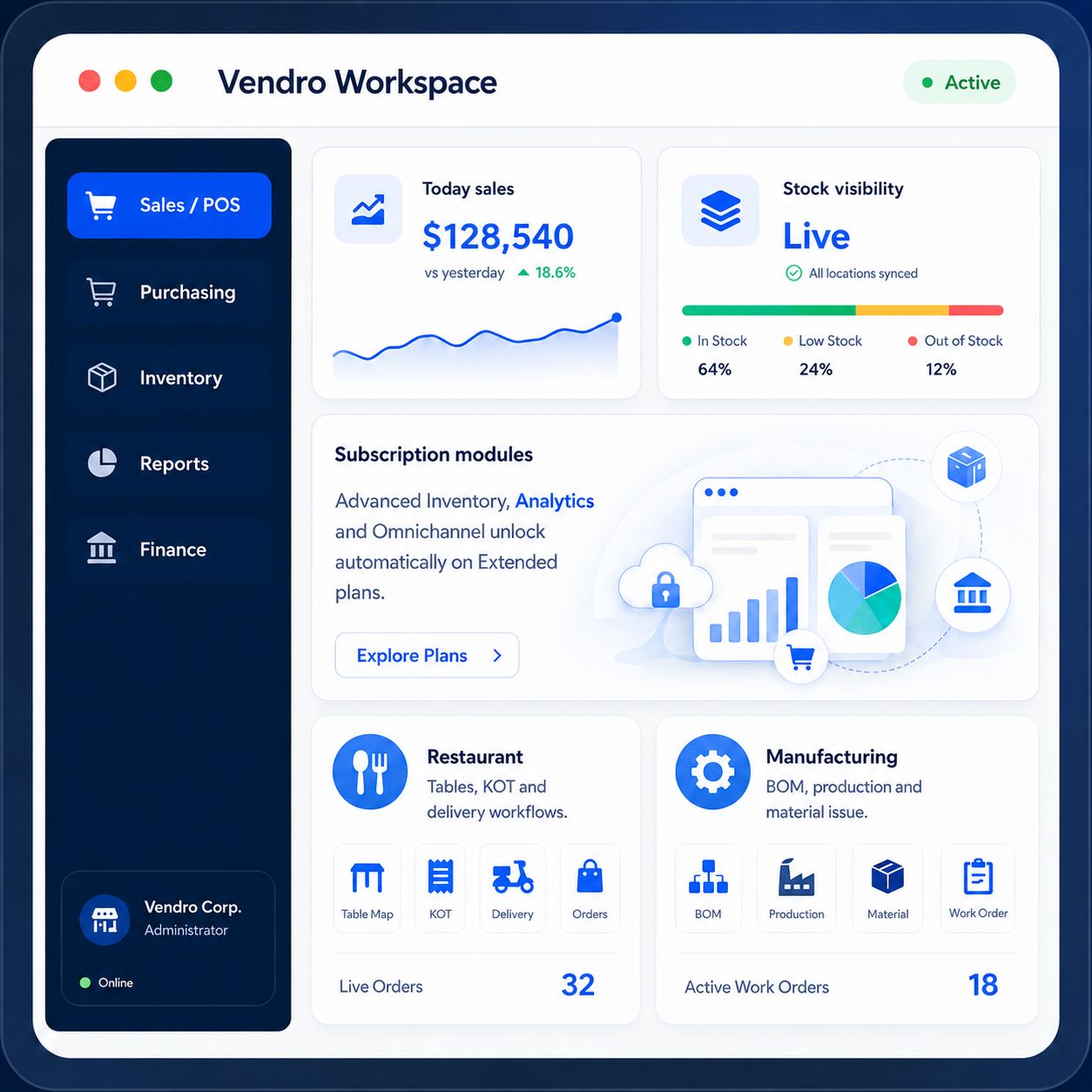
Vendro is built around the operational gaps that make daily business harder: wrong stock, slow billing, weak approvals, unclear branch activity, and delayed reporting.
Teams sell what the store cannot fulfill or discover shortages too late.
Vendro links billing, stock lookup, stock movement, and reports so availability is visible before and after posting.Counters lose time with repeated item entry, unclear customer selection, and manual receipts.
Vendro supports POS billing, drafts, invoices, payments, print/email output, and customer balances in one flow.Unauthorized discounts quietly reduce profit and are hard to explain later.
Vendro applies item discount limits, margin checks, approval rules, and reason capture where required.Sales continue even when customers are overdue or above agreed exposure.
Vendro connects customer records, credit limits, balances, approvals, and reporting discipline.Orders move between waiter, kitchen, cashier, delivery, and table closure without clear status.
Vendro organizes table status, reservations, KOT, kitchen progress, billing, delivery, and restaurant reports.Production consumes raw materials without clear BOM, stage, QC, or finished goods visibility.
Vendro connects BOM, production orders, material issue, stage tracking, QC, finished stock, costing, and reports.Exceptions are handled outside the system, leaving managers with weak audit trails.
Vendro keeps approval points, permissions, exception reasons, and controlled posting inside the workflow.Owners wait for manual summaries instead of seeing operational facts by branch, module, and period.
Vendro provides reports, analytics, drilldowns, exports, and business visibility from recorded transactions.Branches work differently, making stock, payments, staff activity, and performance hard to compare.
Vendro uses tenant, branch, role, and module context so teams can scale with clearer control.Visits, orders, discounts, follow-ups, and results are hard to connect to real performance.
Vendro supports salesman linkage, field visits, follow-up status, conversion tracking, and performance reporting.Vendro is easier to understand when you see the full journey. Open each process model, click the steps, and then continue into the module detail pages.
Vendro Connect is a subscription workspace for teams that need process-based workflows instead of disconnected screens and after-the-fact spreadsheets.
Some teams want a fast SaaS start. Others want private infrastructure, internal IT control, or custom software delivery around Vendro.
Run Vendro on your own server, VPS, or internal environment with optional installation, annual maintenance, and customization support.
Vendro supports subscription customers, self-hosted licensing enquiries, and partner-led onboarding without mixing unrelated service offerings into the public product site.
The full Features page contains the complete 14-module library, process charts, operating guidance, controls, benefits, and UAT checklists.
Sales / POS, Customers, Payments, Loyalty, Sales Team Field Visit.
Restaurant tables, reservations, KOT, delivery, billing, and cashier linkage.
BOM, production orders, material issue, QC, finished goods, product, and stock control.
Purchase / Finance, Reports / Analytics, customer investment, investors, and operational summaries.
Core onboarding, branches, users, roles, permissions, menu access, imports, and controlled setup.
Omnichannel / Shopify, webhook monitoring, quick search, help discovery, and faster navigation.
Choose a Sales, Restaurant, or Manufacturing package and scale into the modules your team needs.
Retrieving the public seven-plan matrix from CRM.
Review the process models, explore the modules, then choose the subscription path that matches your Sales, Restaurant, or Manufacturing operation.